Personal agent
Turn a podcast episode into a week of tasks. Keep the conversation in one project, check off tasks and track progress.
See it in action MewuAI
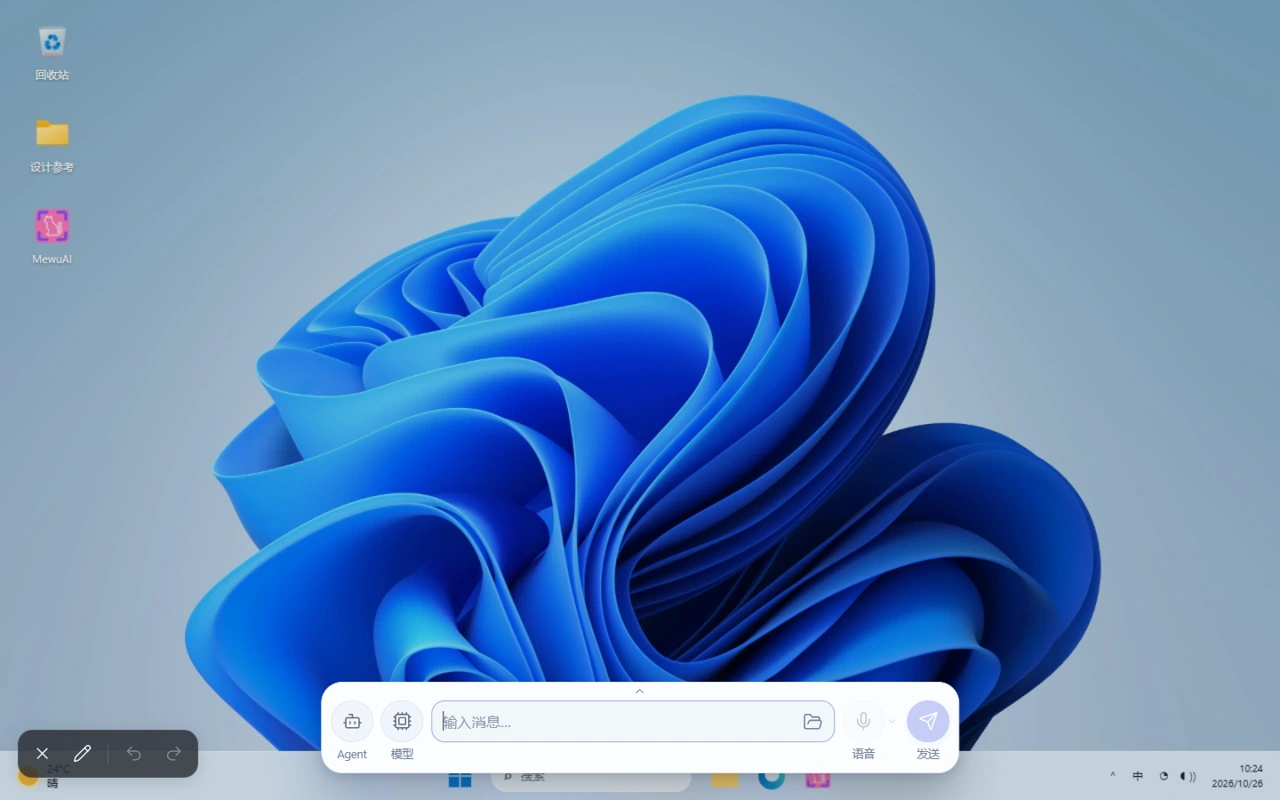
Chat, annotate and generate HTML tools with AI on your desktop.
Mewu with you
01 / DEMO
02 / FEATURES
Work and communicate with a personal agent and an interactive canvas, with your content in view.
Turn a podcast episode into a week of tasks. Keep the conversation in one project, check off tasks and track progress.
See it in actionArrange shot references into a storyboard. Add production notes and feedback, then move objects to see how your ideas connect.
See it in actionFollow a moving subject with timed annotations. Click timestamps in a reply to revisit a tabby cat jumping a fence and walking onto a roof.
See it in actionAsk AI for a color contrast checker. Change the colors and see the preview, contrast ratio and readability result update together.
See it in actionOpen a capture, create multiple selections and add annotations from your terminal. See each command reflected on the canvas.
See it in actionSelect a ceramic cup as a reference. Keep its rim and handle while exploring glazes and surface textures. Workflow in development.
See it in action04 / PLUGINS
Ask Mewu to create a plugin in one sentence, or find one in the plugin marketplace.
Change the time range in a selected dashboard, read the updated results and continue working with them.
Connect a long-term memory service to retrieve and build on past context.
Place a transparent SVG ruler on the canvas. Drag its marker to read the scale, reset to zero, or move and close it with the object tools.
Chat with Mewu in your terminal, or let other agents use its canvas and tools.
Connect external agents such as Codex and WorkBuddy / CodeBuddy, using their client sign-in and sessions.
A desktop companion for interactions, company and task status updates.
Explore materials and colors from a lamp reference, then compare prepared variations.
Select a leaf or an object on screen to look up related information and sources.
Trigger tasks on schedules, prompts, AI replies, shortcuts or events. Connect Mewu actions, MCP tools and local commands.
Keep conversation records for each agent and bring context into your next chat.
Extract names, quantities and amounts from an equipment checkout list, with text recognition on your device.
Translate an audio equipment guide from English to Chinese, or turn a selected table into rows and columns you can copy.
Building your own tools? Use the Mewu API to register tools, agents, memory and UI services.
Plugin documentationMEWU WITH YOU
Connect an AI model and share a space with Mewu to explore new ways to interact with AI.